
Digital design is about digits. 0s and 1s.
That's my summary and I'm leading with it, because that simple statement colors everything I'm talking about here.
Digital images are specific data points in space with precise color choices that can be rendered by a computer-driven print mechanism. It's not about 'a little more gray' or stretching the paint to extend to the edges to fill the canvas.
As for designing your yardage:
It's about data entry points on a wire-frame model that produce a preview image that absolutely represents the final image. Mostly represents, if we're talking Sprout Patterns or Roostery.
This has got to have been the most ridiculous afternoon I've spent online in years. I just hope you're grateful this girl reporter went down this rabbit hole and took enough fun pix to give you a vague idea how it works.
Note: all of these images can be clicked on to make them original screen size. Don't say I didn't warn you. They BIG!
Oy
----------------
I do a lot of work on Spoonflower. I'm used to its interface, how it presents itself to you.

It is a very well built, user friendly website that assumes you came with a digital image in your hand and you want to use it in some manner.
Roostery and Sprout are just extentions of the same website model.

Either by adapting it to a fabric or editing it, the image is the vehicle you're driving.
You're probably familiar with Zazzle, Society6, Cafe Press. You can order things with your image printed on them.
 |
| Zazzling a mug |
Contrado/Bags of Love and their pals will print your image on fabric AND physical items. The design tools are roughly the same as Zazzle, with a few grace notes about 3D placement added.
There are two doors in: you can design an item or you can order an item and design it.
I'm going to tell you right now: choose design. It will let you save the item without purchasing it. The other way you're still designing it, but you can't just save it except in your cart.
Either way, if you have to back up in the process with your 'back' key, it takes you all the way back to the opening screen and you've lost everything you did with that product.
The key is: you need to have your design details down. Forget pixels: you want to know what imperial physical size your image presents well at.
If you didn't know, you will soon enough.

Like Zazzle, and a billionity other sites, they will advice you that your image is not up to snuff, and will require you to reset it before you can proceed

It doesn't give you a suggestion for a successful resolution size, but you can move back and forth to this page with the onpage tools to adjust it.
You do have to adjust it. It will not let you proceed otherwise.
Kinda like Zazzle. Hm.

I did not test Contrado's responsiveness to copyright sensitive images. Bags of Love did not wave any flags on an image I know Zazzle will flag but maybe it was not seeing it completely. That's a glitch.

So now that it's right sized, it doesn't fit the panel.

This image is built to repeat on the basic pattern

which fills it. Wish Zazzle did this.

You have to repeat this process for each panel: select, resize, image repeat choice. Which gets tedious with the umbrella. I would have liked to be able to save my image as the resized version, but that isn't an option.
It does let you rotate the image. Spoonflower does not.
 |
| The hat preview has glitched. |
Why do I need to design each panel individually?
As for yardage.....you have to pick your fabric first. The names are not intuitive. They have 95 fabrics, and a swatch set is $4, $7.50 shipping.

Adjust the printed width to the full width of the yardage. It doesn't do it automatically - this is about the thing you're printing onto, not the image you're using.

Selected auto fit to get the width of the image to match the fabric. this image is just that huge.

Then I chose pattern repeat style mirrored because that's how this image works

And this is what the whole piece will look like
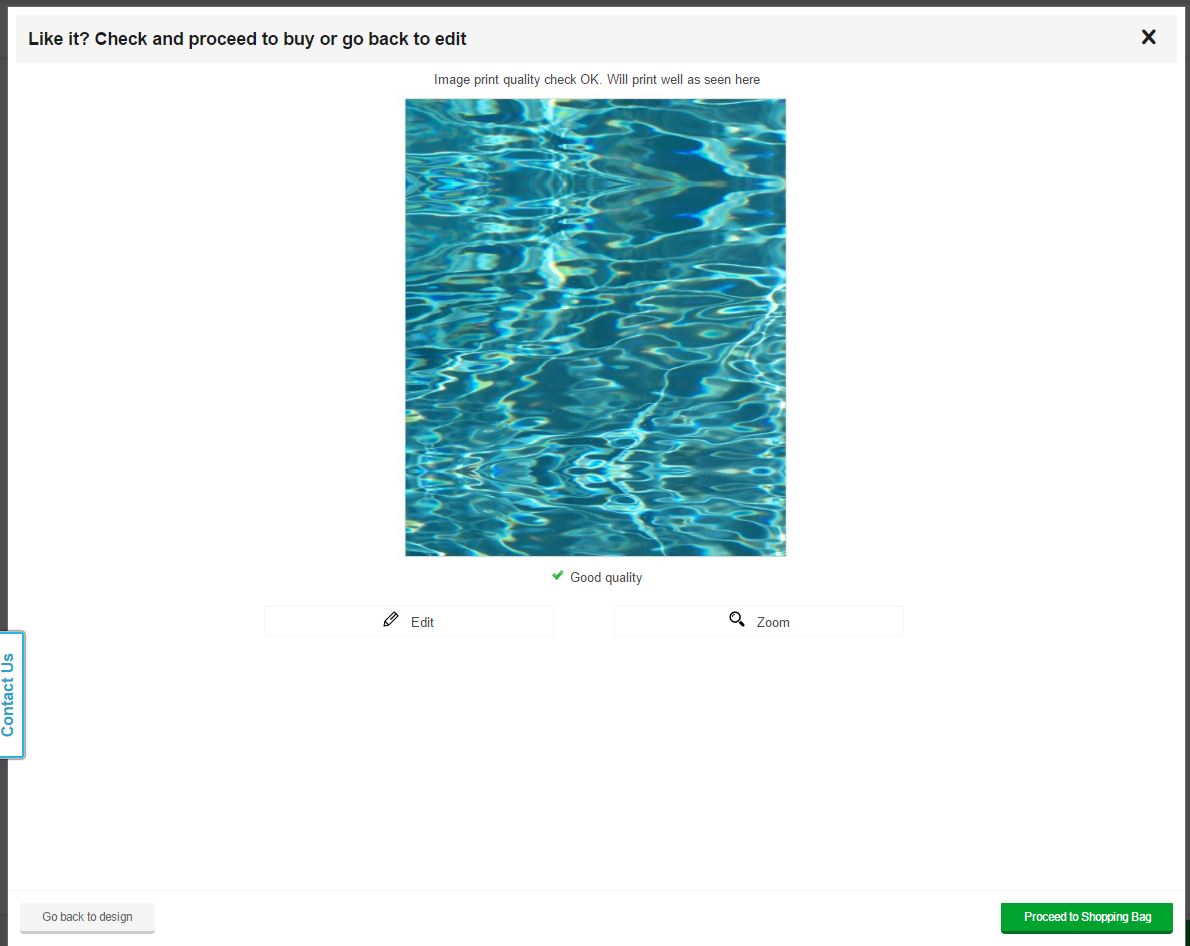
And then it crashed.
Bags of Love is the same company, without the pitch for opening a store; they have more printable products for you to choose from.
They have sunglasses.
And fabric tags.
Have I done the 'print yardage for tags' pitch here?
No? (facepalm)

Spoonflower 8" swatch (your choice of fabrics) makes 48 1 5/8" by 3/4" labels for $5, $6 with shipping to the US.
You're welcome.
You do have to finish them yourself with the swatch option. The smaller set in the photo are on performance pique for the knit tag uses. That size was too small: the 1 5/8ths are too big.
So here's the process on BofL:


That's a nice tag, but a buck seventyfive is also a lot of money for a tag.
 |
Oops. That's $2.25 apiece. Ouchy.
Shipped from the UK though. Your results will vary.
Shipped from the UK though. Your results will vary.


